Installing and Starting RTC Builder
Installing and Starting RTC Builder
Download the RTC Builder plugin and copy the jar files into the Eclipse plugin directory. This is a directory called plugin below the eclipse directory in the location you extracted the Eclipse archive to. Download the
Start Eclipse and select Open Perspective->Other from the Window menu. The perspective selection dialog will be displayed.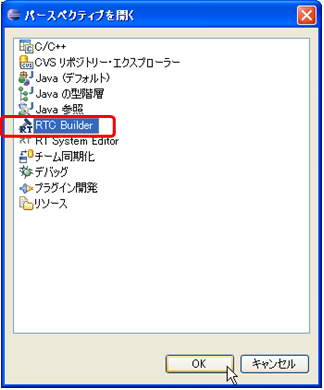
Select RTC Builder from the list to open its perspective.
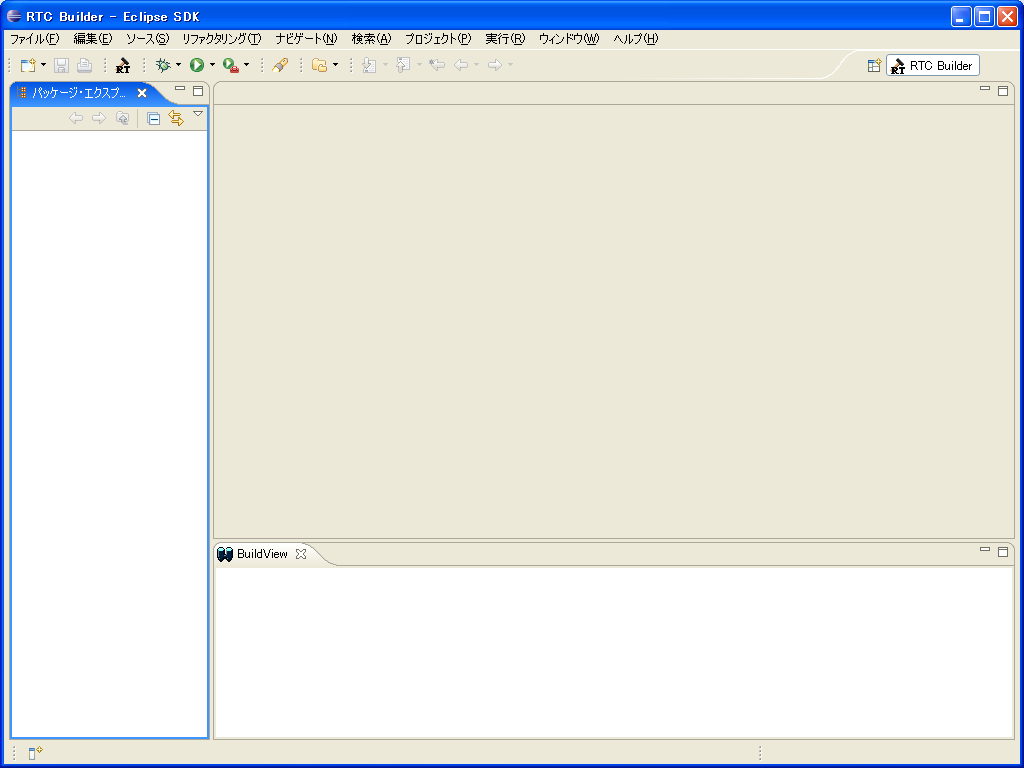
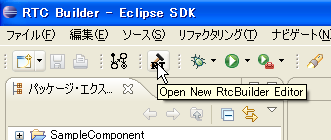
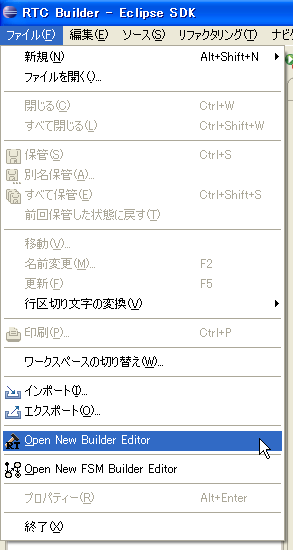
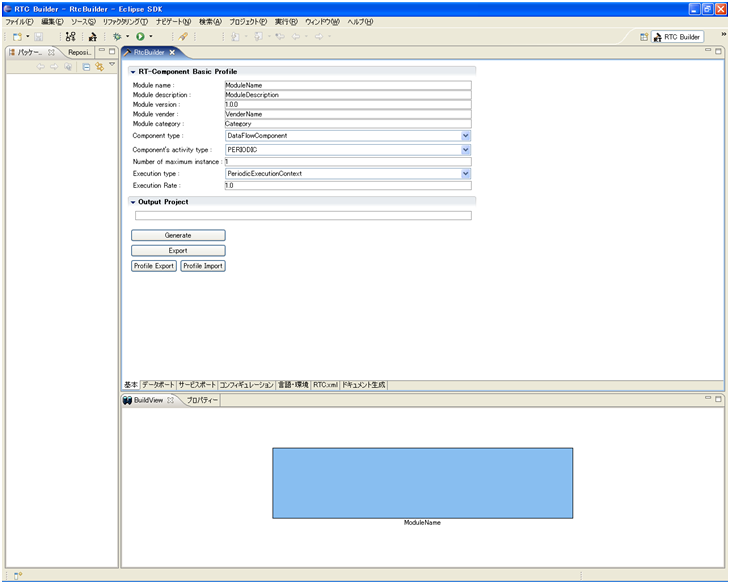
~Click the Open New RTC Builder Editor button in the toolbar, or select Open New Builder Editor from the File menu to begin editing a new component.